
A TV-first interface
Large posters, horizontal rows and a clearly visible focus: everything readable from across the room.
JIPTV brings your playlists to the big screen with a tvOS app: Live TV, movies and series organized like a streaming platform, with navigation designed for the remote. Download it from the Apple TV App Store — you add your own M3U or Xtream sources.
Available now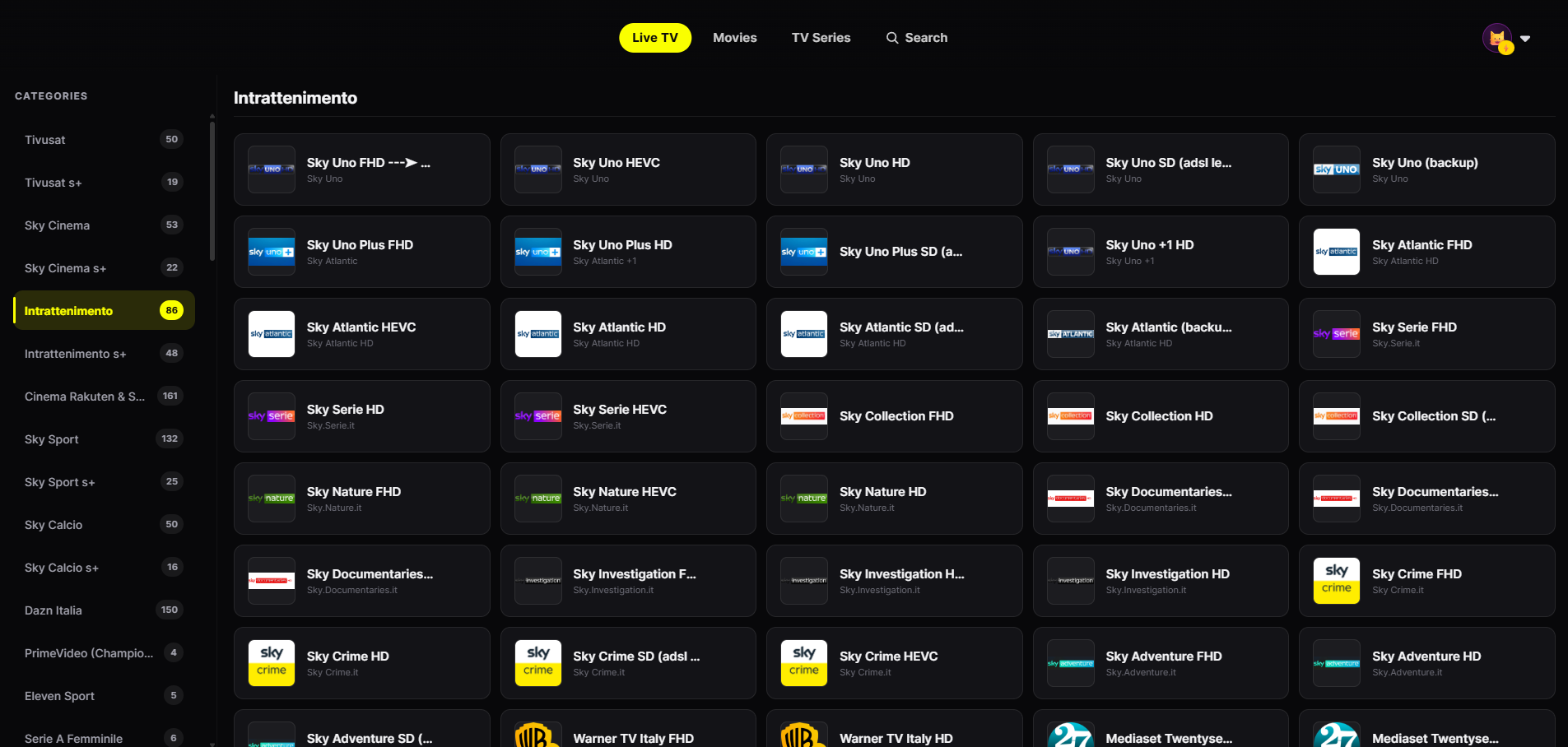
On a TV, couch distance matters: readable text, a clear focus state and few steps to what you want to watch.
Large posters, horizontal rows and a clearly visible focus: everything readable from across the room.
Every screen works with the Apple TV remote — no keyboard or mouse needed.
Channels from your playlist grouped by category, with smooth zapping between them.
Your VOD presented with posters, category rows, seasons and episodes.
Netflix-style profiles with separate favorites and history — ideal for a shared family TV.
Start a movie on iPhone or iPad and pick it up on Apple TV from the exact same point.
From the Apple TV Home screen open the App Store, search "JIPTV" and install it. The player subscription is activated inside the app.
In Playlist Management enter your provider's M3U link or Xtream credentials (host, username, password).
Live TV, movies and series are ready, organized by category. Use the same account on iPhone, iPad and Mac to keep profiles and history in sync.
Not all IPTV apps for Apple TV are equal: many are ports of phone apps that become awkward on a TV. Here is what to check:
JIPTV is designed around these points.
JIPTV is available across the whole Apple ecosystem. With the same account you get your profiles, favorites and continue watching on iPhone and iPad, on Mac and on Apple TV: start a movie on the go and finish it on the TV.
The player subscription is purchased only inside the app through the App Store and unlocks the software features: it does not include or grant access to any channel or content.
JIPTV is already available across the whole Apple ecosystem: iPhone, iPad, Apple TV and Mac. Windows, Android, Android TV, Fire TV and Samsung and LG Smart TVs are coming soon.
Yes. JIPTV is an IPTV app for Apple TV (tvOS) available on the App Store: it plays your M3U playlists and Xtream accounts with Live TV, movies and series organized.
One built for tvOS and the remote, compatible with M3U and Xtream, and able to separate Live TV from VOD. JIPTV is built on exactly these criteria.
Open the App Store from the Apple TV Home screen, search "JIPTV" and install it. Then add your M3U link or Xtream credentials in Playlist Management.
No, the Apple TV app works on its own. If you also use JIPTV on iPhone or iPad, the same account keeps your profiles and continue watching in sync.
No. JIPTV is only a player: it does not provide or sell any content. It only plays sources from providers you are authorized to use.