
A macOS app
Install it from the App Store like any other Mac app — no complicated setup.
On Mac, IPTV playlists are often opened with generic video players built for files, not for hundreds of channels. JIPTV is an IPTV player for macOS that organizes your M3U and Xtream sources into Live TV, movies and series, with profiles and continue watching.
Available now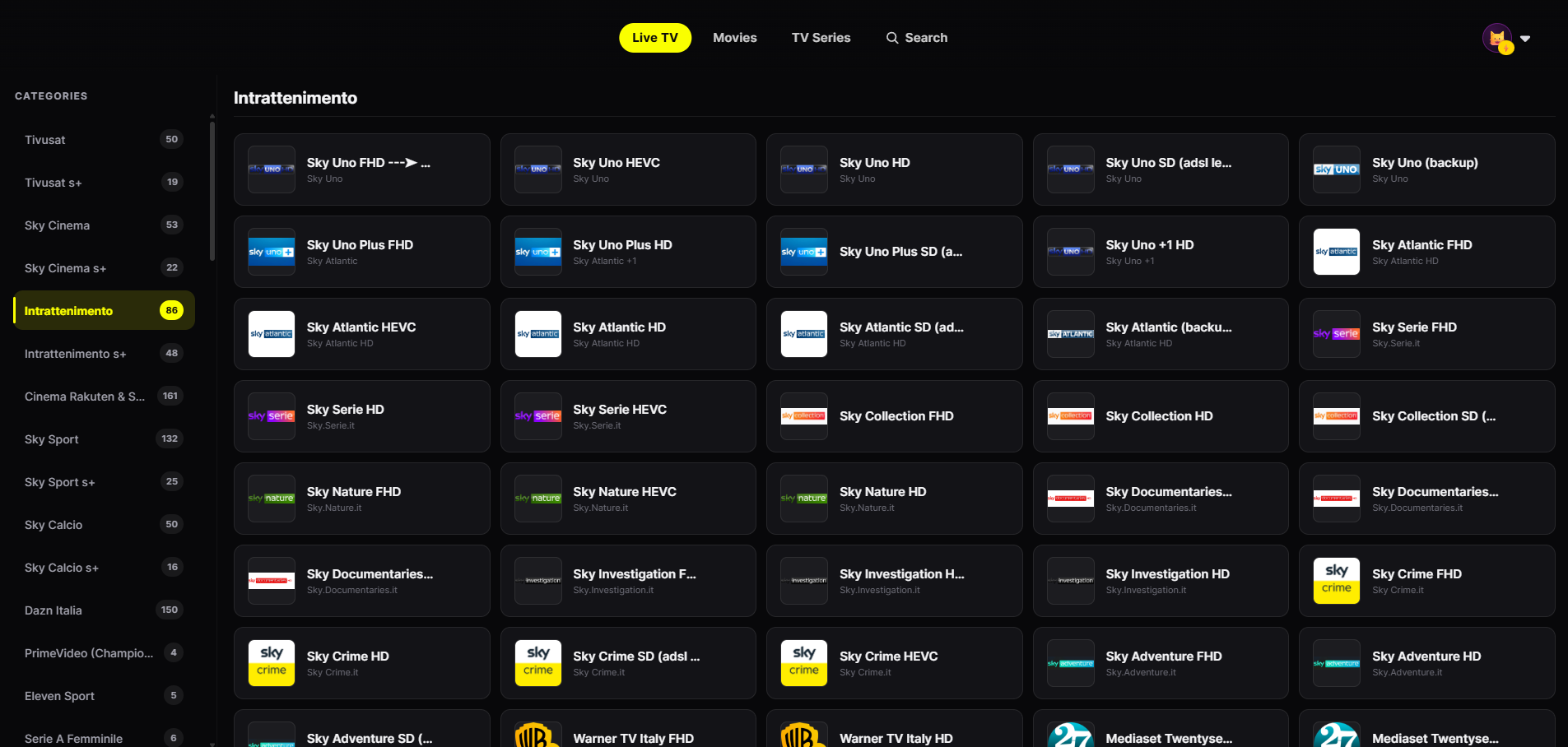
The full JIPTV experience on macOS, with room to see more at a glance.
Install it from the App Store like any other Mac app — no complicated setup.
Paste your M3U/M3U8 link or enter your Xtream Codes credentials: the player does the rest.
Channels grouped by category with smooth zapping, instead of an endless list of streams.
Your source's VOD presented with category rows, seasons and episodes.
Find a channel, movie or series among thousands of entries in an instant.
Profiles and continue watching shared with your other Apple devices.
Open the App Store on your Mac, search "JIPTV" and install it. The player subscription is activated inside the app.
In Playlist Management paste your M3U link or enter your provider's Xtream host, username and password.
Live TV, movies and series organized within seconds, synced with iPhone, iPad and Apple TV.
A generic video player can open an M3U playlist, but it shows it as one long list of streams: no categories, no posters, no distinction between live channels, movies and series. With playlists of thousands of entries it quickly becomes hard to find anything.
A dedicated IPTV player like JIPTV reads the structure of your playlist or Xtream account and turns it into a browsable catalog: Live TV by category, movies by genre, series split into seasons and episodes — plus search, favorites and history.
JIPTV is available across the whole Apple ecosystem: with the same account you use the app on Mac, iPhone and iPad and Apple TV. A Windows version is coming soon.
The player subscription is purchased only inside the app and includes no content: the sources are always yours.
JIPTV is already available across the whole Apple ecosystem: iPhone, iPad, Apple TV and Mac. Windows, Android, Android TV, Fire TV and Samsung and LG Smart TVs are coming soon.
Yes. JIPTV is available as a macOS app on the App Store and plays M3U playlists and Xtream accounts with Live TV, movies and series organized.
Yes: paste your M3U/M3U8 playlist link in Playlist Management and JIPTV automatically organizes it into Live TV, movies and series.
Yes. As an alternative to the app you can use the web app in your browser at my.jiptv.net, with the same account.
No. JIPTV is only a player: it does not provide or sell any content and only plays the sources you add.