
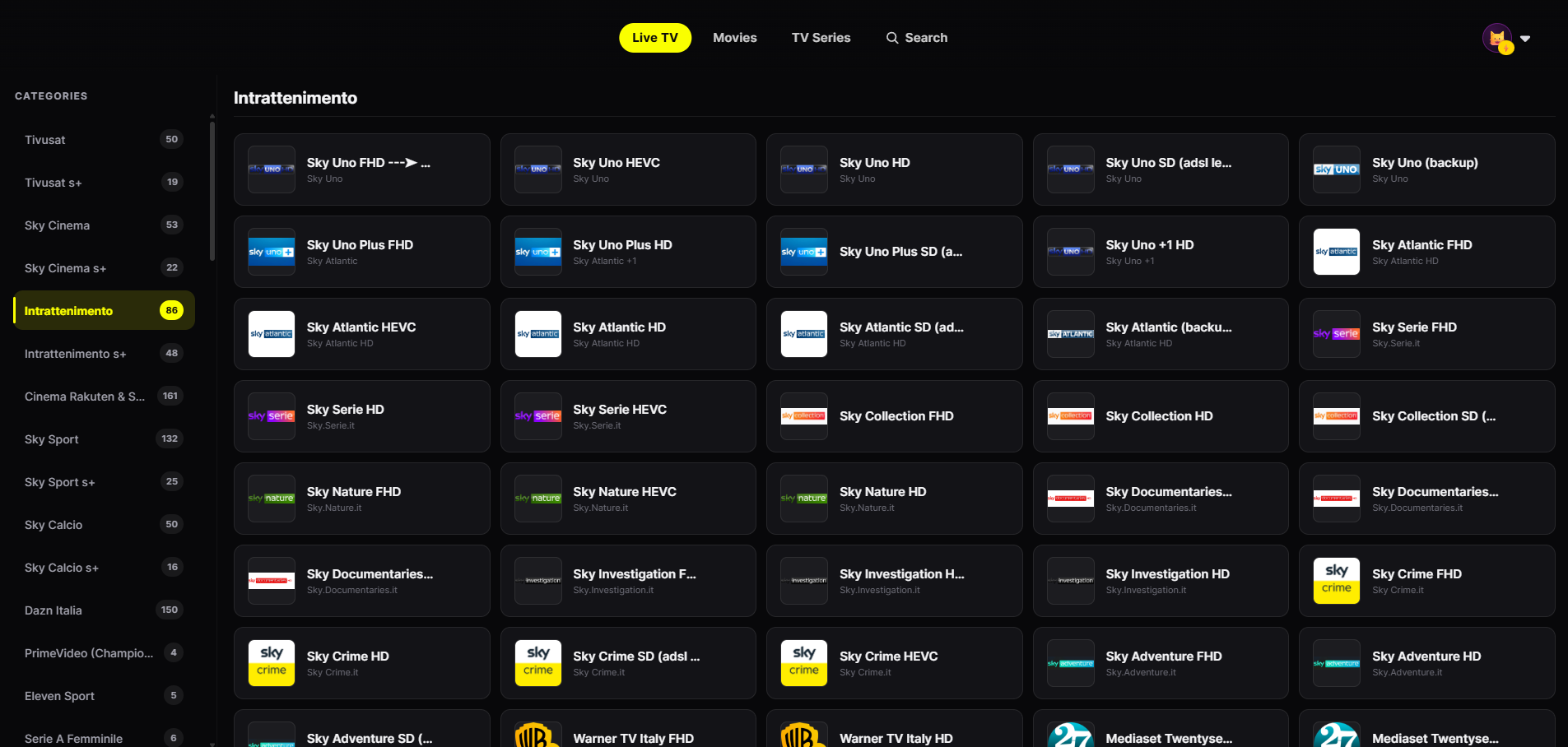
Live TV by category
Channels grouped by category with smooth zapping from the remote.
The Fire TV Stick is one of the most popular ways to make any TV smart. JIPTV is coming soon to Amazon Fire TV with the same living-room interface as the Apple TV version: your M3U playlists and Xtream accounts, organized and easy to browse with the remote.
Coming soonThe version for this device is coming soon. In the meantime you can use JIPTV on iPhone, iPad, Apple TV, Mac or in your browser with the web app.
The player features will be adapted to the stick and its remote.
Channels grouped by category with smooth zapping from the remote.
Posters, seasons and episodes presented like a streaming platform.
Separate favorites and history for everyone at home.
Synced with every other device where you use JIPTV.
At launch, this page will carry the official instructions to install JIPTV on your Fire TV Stick. The player subscription will be activated inside the app.
Use the remote to enter your provider's M3U link or Xtream credentials in Playlist Management.
Live TV, movies and series organized and ready to browse from the couch.
When searching for an IPTV app for Fire TV Stick you often run into modified APKs or apps promising channels "included". Besides being a security risk for your device, they often distribute content without the rights to do so.
JIPTV works the other way around: it is only a player, includes no channels and only plays M3U playlists or Xtream accounts from providers you are authorized to use.
If you have an Apple TV connected to your TV, JIPTV is already available for tvOS, as well as on iPhone and iPad and Mac. Versions for Android TV and for Samsung and LG Smart TVs are coming too.
JIPTV is already available across the whole Apple ecosystem: iPhone, iPad, Apple TV and Mac. Windows, Android, Android TV, Fire TV and Samsung and LG Smart TVs are coming soon.
The Amazon Fire TV version is coming soon. On the TV, JIPTV is available today for Apple TV.
One installed from an official source, designed for the remote, compatible with M3U and Xtream, and with no channels included. JIPTV is built on these criteria.
With JIPTV you will just enter your M3U link or Xtream credentials in Playlist Management using the remote.
No. JIPTV is only a player: it does not provide or sell any content.