
Host, username and password
Enter the credentials from your provider — no long link to copy.
Many IPTV providers give access through the Xtream Codes API: a server address, a username and a password. JIPTV connects with these credentials and organizes Live TV, movies and series in a streaming-platform interface.
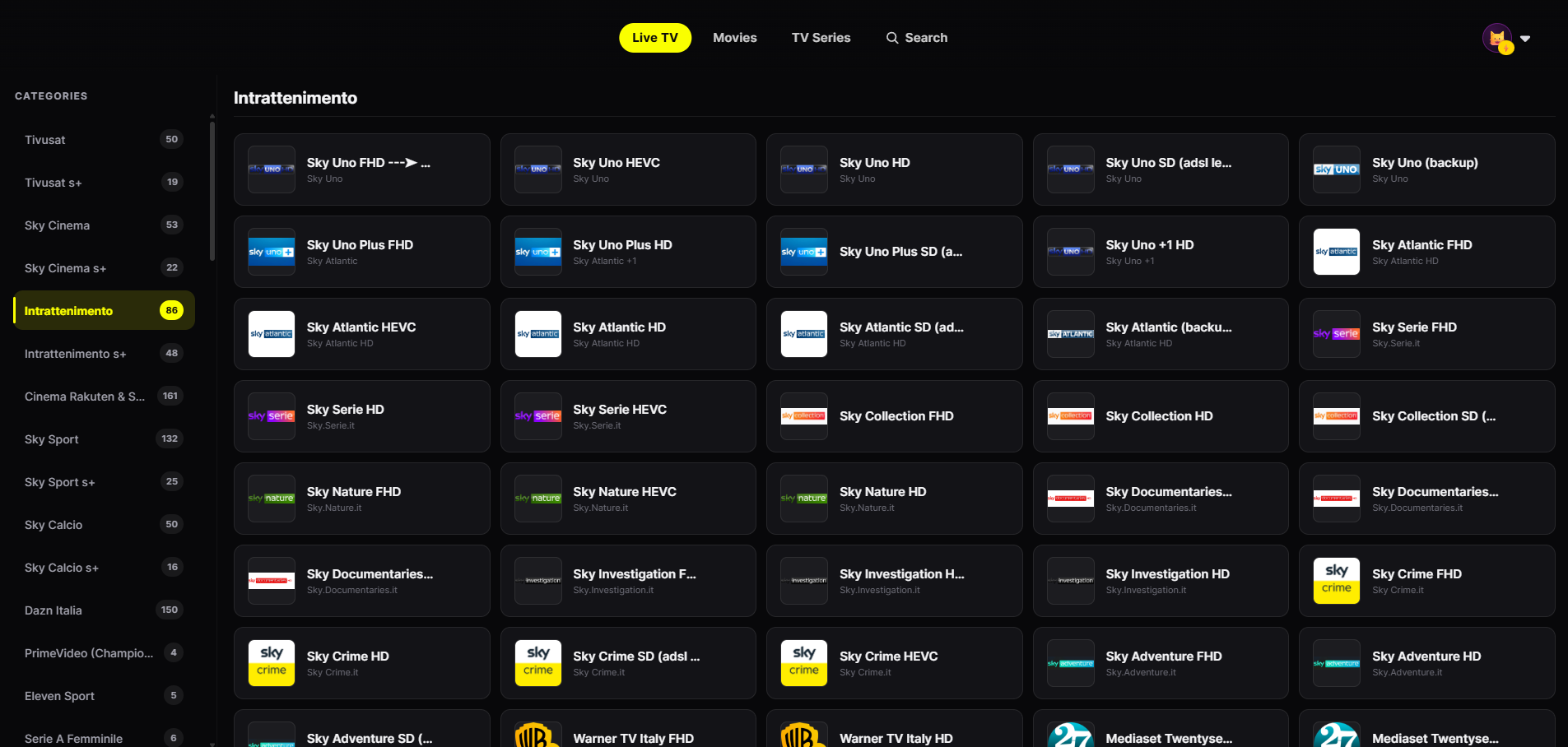
With Xtream, content arrives already structured: JIPTV presents it at its best.
Enter the credentials from your provider — no long link to copy.
Your account's categories become channel rows, with smooth zapping.
VOD presented with posters, seasons and episodes like a premium platform.
Resume movies and episodes where you left off, on any of your devices.
Separate favorites and history for each person.
Search across your account's Live TV, movies and series from a single field.
Download it from the App Store on iPhone, iPad, Apple TV or Mac, or open the web app in your browser. The player subscription is activated inside the app.
In Playlist Management enter the host (server address), username and password from your provider.
Live TV, movies and series appear organized by category within seconds.
Xtream Codes started as a management panel for IPTV services; today "Xtream Codes API" refers to the protocol many providers use to give access to their content. Instead of a single M3U link, the player connects to the server with your credentials and receives channels, movies and series already split into categories, with posters and details.
If your provider offers both options, Xtream is usually more convenient: on-demand content comes with posters and metadata, and series and episodes are already structured. An M3U playlist remains the most universal format. JIPTV supports both, so the choice is yours.
JIPTV does not provide Xtream credentials or content: only use accounts from providers you are authorized to use.
JIPTV is already available across the whole Apple ecosystem: iPhone, iPad, Apple TV and Mac. Windows, Android, Android TV, Fire TV and Samsung and LG Smart TVs are coming soon.
An app that connects to an Xtream Codes API-compatible server with host, username and password and plays its Live TV, movies and series. JIPTV is an Xtream Codes player for iPhone, iPad, Apple TV, Mac and browser.
Three details from your provider: the host (server address, often with a port), the username and the password.
Yes. With JIPTV you can enter your Xtream credentials on iPhone, iPad, Apple TV, Mac or in the web app.
No. JIPTV is only a player: it does not provide, sell or recommend accounts or content. Only use credentials from providers you are authorized to use.