
M3U and M3U8
Supports playlists in M3U and M3U8 format — all you need is the link from your provider.
An M3U playlist is a simple list of video stream addresses. To watch it you need an M3U player: JIPTV reads it and turns it into a tidy catalog of Live TV, movies and series on iPhone, iPad, Apple TV, Mac and in your browser.
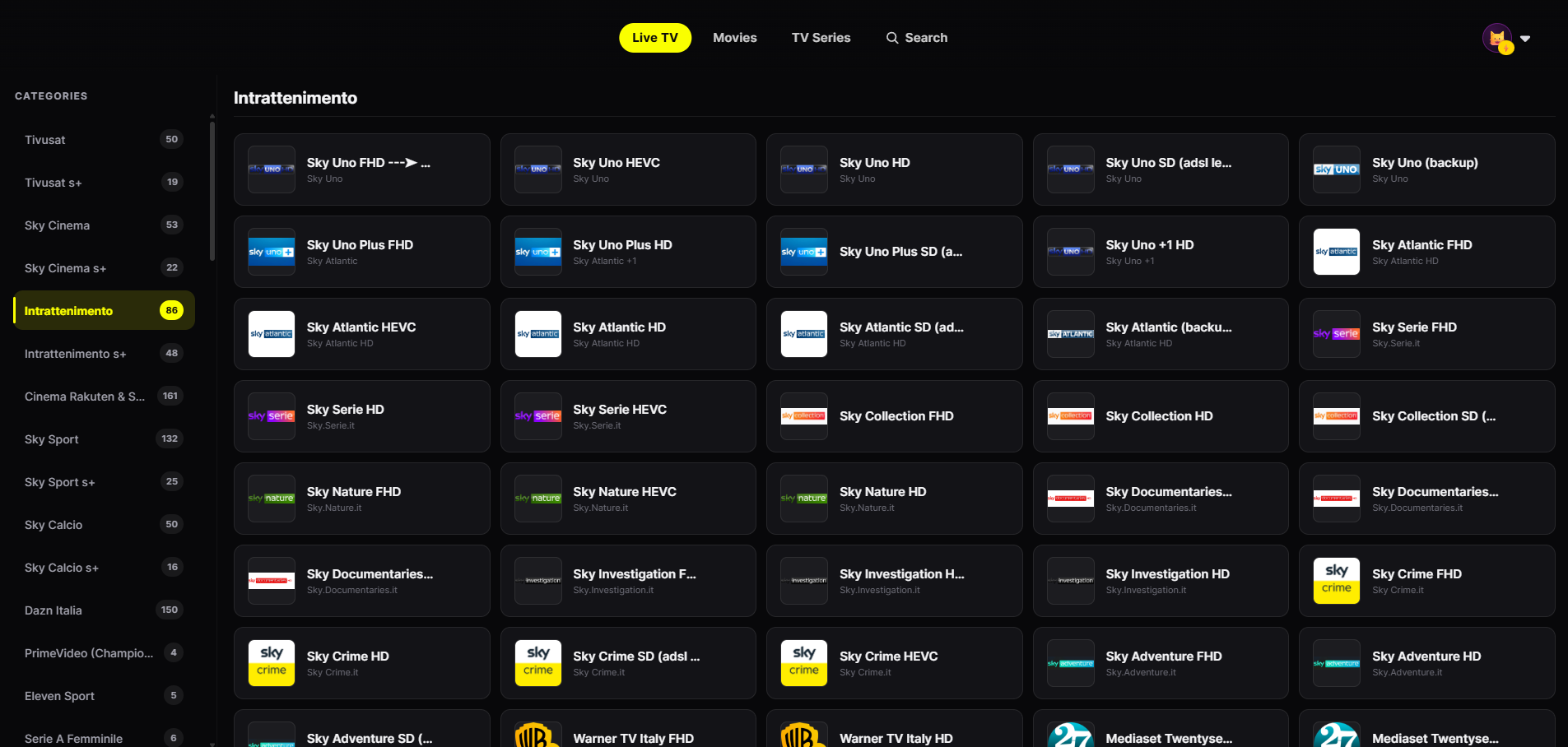
JIPTV reads the names, logos and groups in your playlist and presents them like a streaming platform.
Supports playlists in M3U and M3U8 format — all you need is the link from your provider.
Playlist groups become Live TV categories, with smooth zapping.
The player automatically organizes Live TV, movies and series instead of one single list.
Find a channel or title instantly, even in playlists with thousands of entries.
Each profile has its own favorite channels and history.
iPhone, iPad, Apple TV, Mac and browser — with Android and Smart TVs coming soon.
Download it from the App Store on iPhone, iPad, Apple TV or Mac, or open the web app in your browser. The player subscription is activated inside the app.
In Playlist Management paste the playlist link your provider gave you.
Within seconds the playlist becomes a catalog of Live TV, movies and series.
M3U is a plain-text format originally created for audio playlists: each entry holds the address of a piece of content, usually preceded by an #EXTINF line with its name, logo and group. In the IPTV world, providers hand out a link to an M3U playlist listing their channels and on-demand content.
M3U8 is the same format encoded in UTF-8, and it is also the format used by HLS streaming. JIPTV reads both.
A generic video player can open an M3U playlist, but it shows it as one single list: with thousands of entries it becomes unusable. An IPTV player like JIPTV uses the playlist's names, logos and groups to organize it into Live TV, movies and series, with search, favorites, profiles and continue watching.
If your provider also offers credential-based access, read the guide to the Xtream Codes player. Remember: the player does not supply the playlist. The M3U link must come from a provider you are authorized to use; JIPTV does not sell or include any content.
JIPTV is already available across the whole Apple ecosystem: iPhone, iPad, Apple TV and Mac. Windows, Android, Android TV, Fire TV and Samsung and LG Smart TVs are coming soon.
You need an M3U player: with JIPTV you paste the playlist link in Playlist Management and the player organizes it into Live TV, movies and series.
JIPTV is available for iPhone, iPad, Apple TV and Mac and organizes M3U playlists into a streaming-platform interface, with profiles and continue watching synced.
M3U is a link to a plain-text playlist; Xtream Codes is a host/username/password login that returns Live TV, movies and series already structured. JIPTV supports both.
Your provider supplies the playlist. JIPTV does not provide, sell or recommend playlists: it is only a player.