
M3U and Xtream Codes
You'll paste your playlist link or enter your provider's Xtream host, username and password.
JIPTV is coming soon to Windows: the same premium, platform-style interface already available on iPhone, iPad, Apple TV and Mac, with your M3U playlists and Xtream accounts organized into Live TV, movies and series on your PC screen.
Coming soonThe version for this device is coming soon. In the meantime you can use JIPTV on iPhone, iPad, Apple TV, Mac or in your browser with the web app.
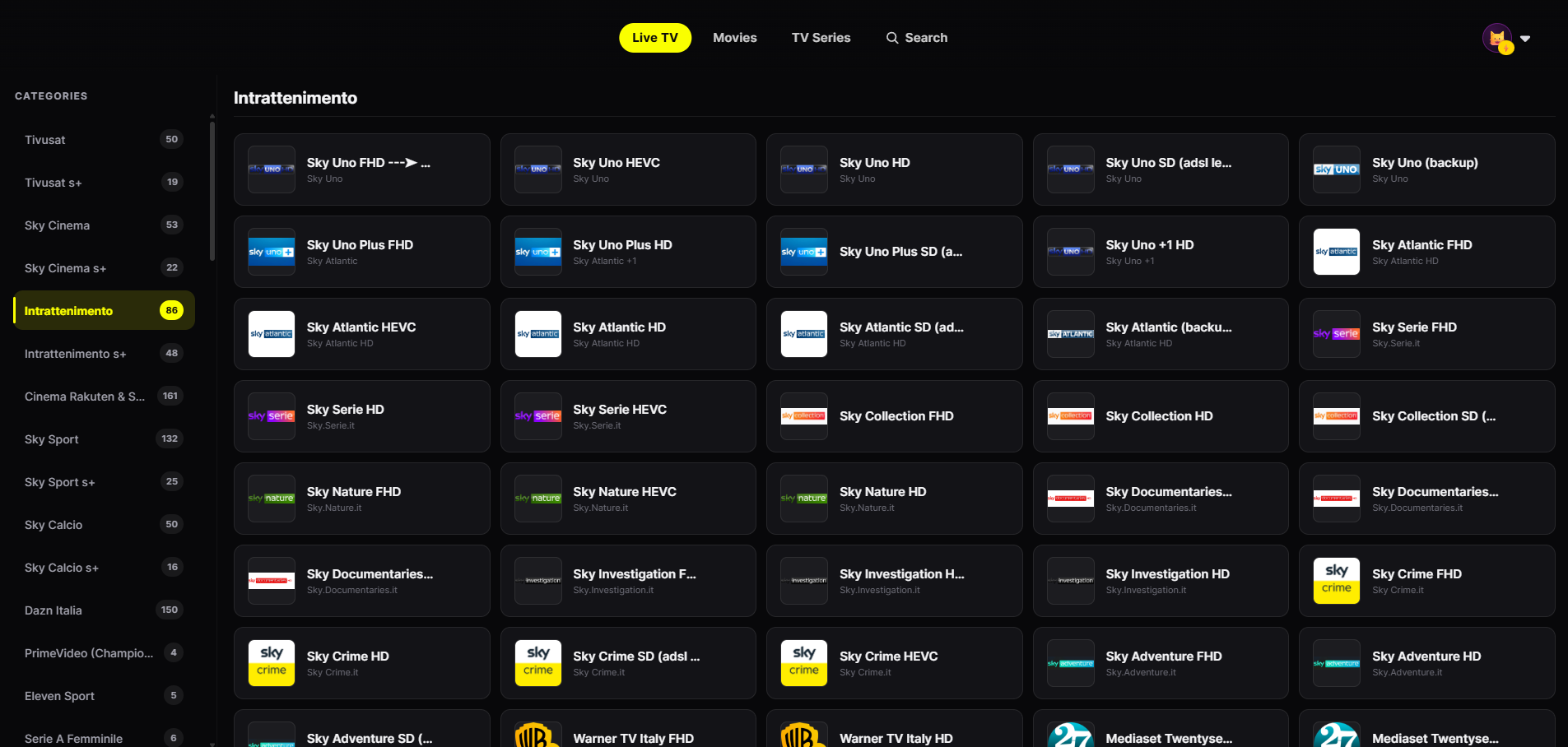
The PC version will have the same features as the player already available on Apple devices.
You'll paste your playlist link or enter your provider's Xtream host, username and password.
Channels grouped by category with smooth zapping, instead of an endless list of streams.
Your source's VOD with category rows, seasons and episodes.
Profiles and continue watching shared with iPhone, iPad, Apple TV and Mac.
At launch, this page will carry the official instructions to install JIPTV on your PC. The player subscription will be activated inside the app.
Paste your M3U link or enter your provider's Xtream credentials in Playlist Management.
The same account will bring your profiles, favorites and continue watching from your other devices.
Many IPTV players for Windows are programs downloaded from third-party sites, with opaque installers and manual updates. Before installing one, check for:
JIPTV is already available across the whole Apple ecosystem: iPhone, iPad, Apple TV and Mac. Windows, Android, Android TV, Fire TV and Samsung and LG Smart TVs are coming soon.
The Windows version is coming soon. Today JIPTV is available on iPhone, iPad, Apple TV and Mac.
A good IPTV player for Windows should support M3U and Xtream, organize Live TV and VOD and come from a trustworthy source. These are the criteria JIPTV is built on, and it is coming to PC soon.
Yes: with the same account you will find your profiles, favorites and continue watching on every device.
No. JIPTV is only a player: it does not provide or sell any content and only plays the M3U playlists or Xtream accounts you add.