
A Tizen app
It will install right on the Smart TV — no sticks, boxes or extra HDMI cables.
Samsung Smart TVs run Tizen, a system with its own app store. JIPTV is coming soon as a Tizen app: your M3U playlists and Xtream accounts right on the TV, with no extra box or stick.
Coming soonThe version for this device is coming soon. In the meantime you can use JIPTV on iPhone, iPad, Apple TV, Mac or in your browser with the web app.
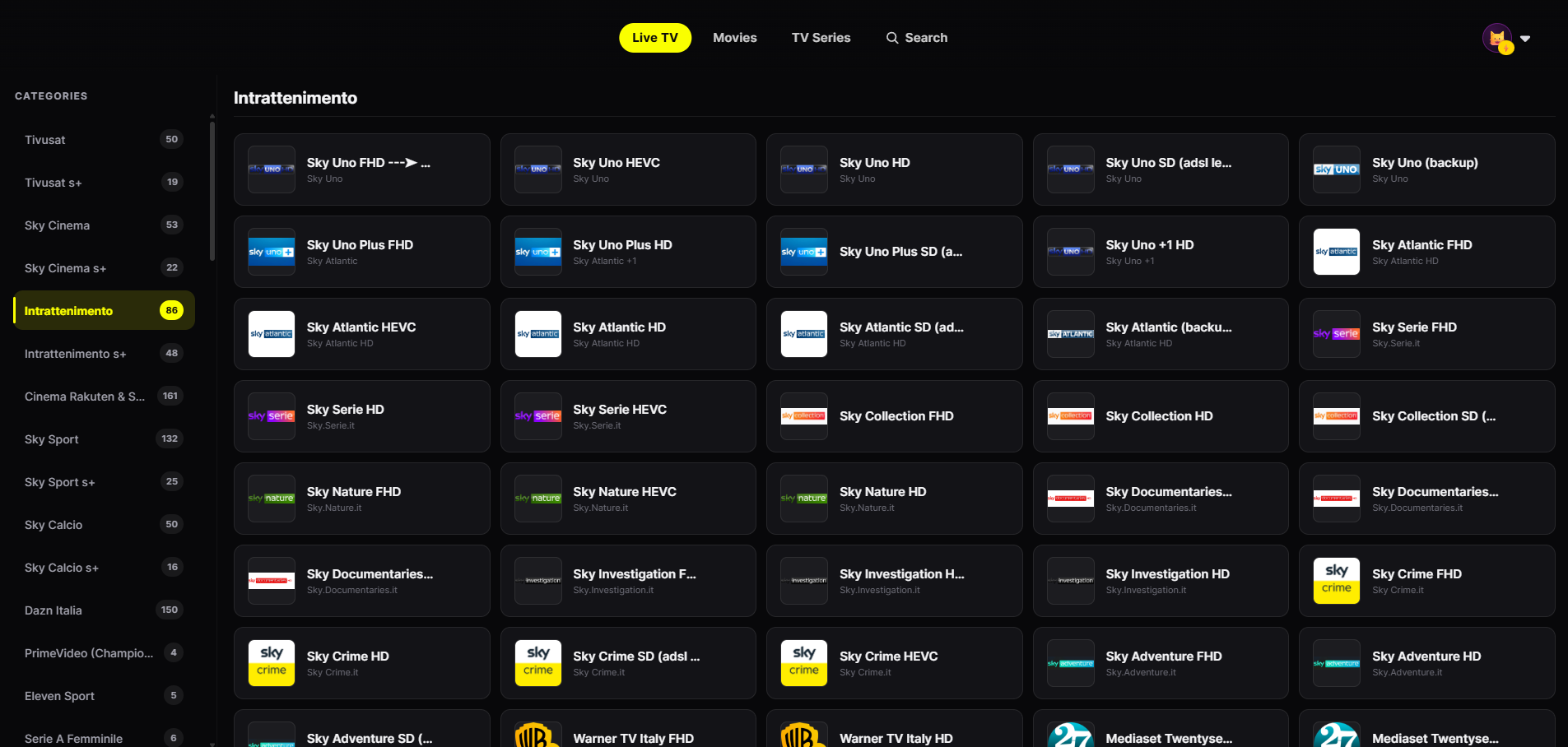
No extra device: an app you install on the TV and the remote you already use.
It will install right on the Smart TV — no sticks, boxes or extra HDMI cables.
The interface will be designed for the Samsung remote arrows.
Channels from your playlist grouped by category, with smooth zapping.
Posters, seasons and episodes like a streaming platform.
Once released, search "JIPTV" in the Apps section of your Samsung Smart TV. The player subscription will be activated inside the app.
Enter your provider's M3U link or Xtream credentials in Playlist Management.
Live TV, movies and series organized and ready to browse with the remote.
An app installed directly on the Smart TV saves you an extra device, a second remote and switching HDMI inputs every time you want to watch your playlist. Turn on the TV, open the app and you are already in Live TV.
JIPTV for Tizen will have the same interface as the Apple TV version: large posters, Live TV by category and navigation designed for the remote.
If you have an Apple TV connected to your Samsung TV, JIPTV is already available for tvOS. Versions for LG webOS, Android TV and Fire TV Stick are coming too.
JIPTV is only a player: it includes no channel or content.
JIPTV is already available across the whole Apple ecosystem: iPhone, iPad, Apple TV and Mac. Windows, Android, Android TV, Fire TV and Samsung and LG Smart TVs are coming soon.
The Samsung Smart TV (Tizen) version is coming soon. On the TV, JIPTV is available today for Apple TV.
One you install from the TV's official store, comfortable with the remote, compatible with M3U and Xtream, and with no content sold alongside the player. JIPTV is built on these criteria.
No: JIPTV for Samsung will be a Tizen app installed directly on the TV.
No. JIPTV is only a player: it only plays the sources you add.